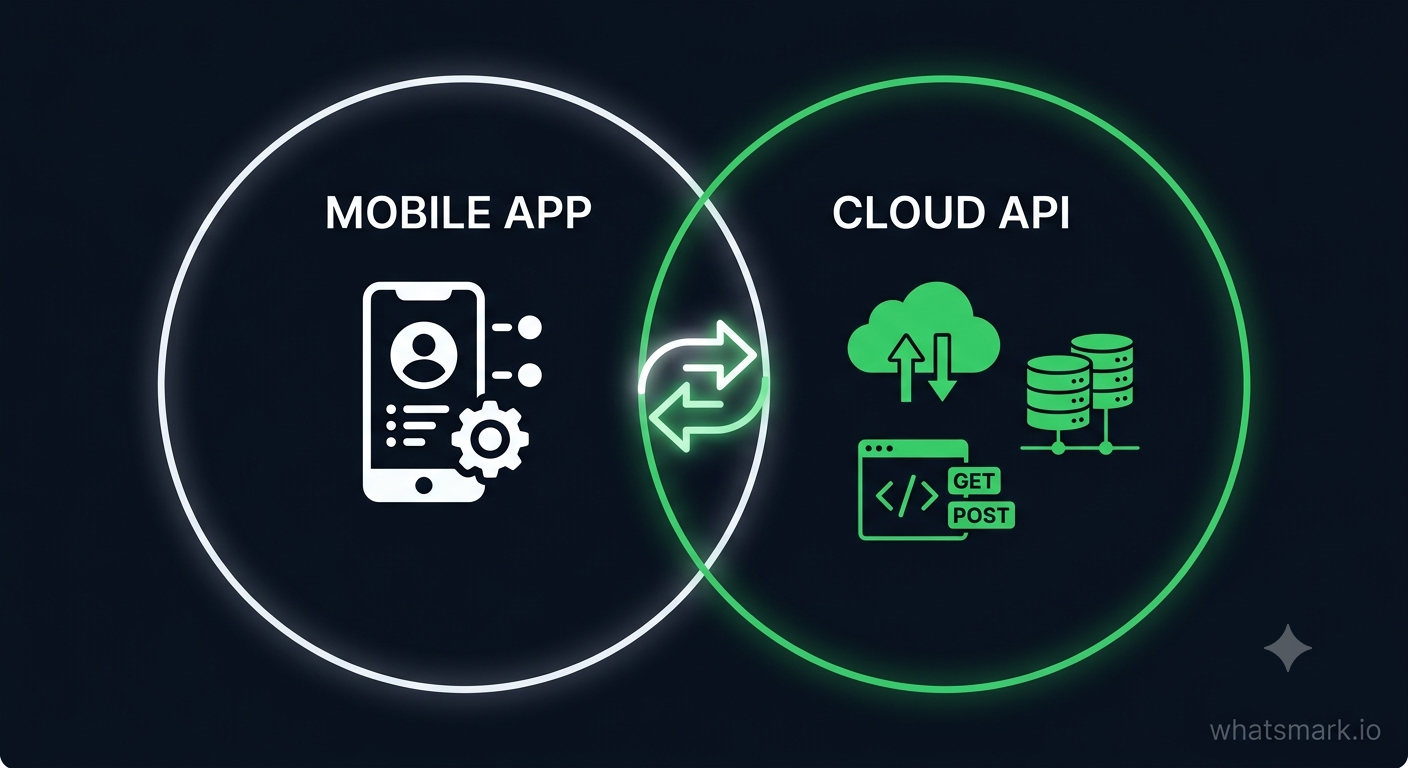
WhatsApp Coexistence is a Meta feature — launched May 6, 2025 — that lets a single phone number run on both the WhatsApp Business App and the WhatsApp Cloud API at the same time. Messages sync between both in real time. You keep your existing number, your chat history, and full access to the Business App. You gain everything the API enables: automation, bulk broadcasts, chatbots, shared team inbox, and analytics.
You no longer have to choose one or the other.
The Problem
For years, the WhatsApp upgrade path was a hard fork. You either stayed on the WhatsApp Business App — simple, mobile, personal, but limited to one user and no automation — or you moved to the WhatsApp Business API and gave up the app completely.
That trade-off stopped a huge number of businesses from ever making the switch. Teams that relied on the Business App for real conversations with customers didn't want to lose it. Owners didn't want to abandon a number their customers had saved. Nobody wanted to start from zero on a new platform and lose six months of chat context.
Meta's answer — officially available since May 2025 — is WhatsApp Coexistence. It is not a workaround. It is not a beta. It is a supported, documented Meta feature built specifically to remove that barrier.
What WhatsApp Coexistence Actually Does
When you enable Coexistence, your WhatsApp Business number connects to the Cloud API through Meta's Embedded Signup — the same quick flow used to link any new number. After that:
Your existing WhatsApp Business App keeps working. You can still open it on your phone, reply to customers, manage conversations, and run your usual day-to-day communication.
The Cloud API activates on the same number. A platform like WhatsMark now has full API access — broadcasts, chatbots, drip sequences, team inbox, webhook integrations, campaign analytics.
Messages sync both ways in real time. Meta calls this "Messaging Echoes." If your support agent replies from the Business App, that message appears in the WhatsMark inbox immediately. If a campaign message goes out through WhatsMark, it shows up in the app. Both surfaces stay current.
Up to 6 months of chat history carries over. Existing one-to-one conversations sync across so your team has full context, not a blank slate.
The Four Fears Coexistence Eliminates
The reason most businesses avoided switching to the API was not technical — it was fear. Here are the four most common objections and how Coexistence answers each one.
"My customers have saved this number — I can't change it."
You don't. The same number stays live on both the Business App and the API. Your customers continue messaging the number they already know.
"I'll lose months of conversation history."
You won't. Up to six months of recent chat history syncs across when Coexistence is enabled. Your team picks up with full context.
"My staff rely on the Business App — they won't switch."
They don't have to. The Business App keeps working exactly as before. Staff who prefer it can stay on it. The API adds capability alongside, not instead of.
"The setup will be complex and take weeks."
It isn't. Meta's Embedded Signup connects your number to the Cloud API in under 5 minutes. On WhatsMark, the entire setup is guided — no API keys, no developer, no waiting for approval.
What Changes After You Enable Coexistence
Coexistence is genuinely powerful, but it comes with a set of Meta-imposed limitations worth understanding before you switch. None of these are WhatsMark restrictions — they are part of how Meta has designed the Coexistence feature across all platforms.
Feature | Status in Coexistence mode |
|---|---|
Send and receive 1:1 messages (app) | ✅ Fully works |
Send and receive 1:1 messages (API) | ✅ Fully works |
Two-way message sync (Messaging Echoes) | ✅ Fully works |
Bulk broadcasts (via API / WhatsMark) | ✅ Fully works |
Chatbots and automation (via API) | ✅ Fully works |
Shared team inbox (via API) | ✅ Fully works |
WhatsApp Groups (Business App) | ✅ Works, but does not sync to API |
Voice and video calls (Business App) | ✅ Works, but does not sync to API |
Broadcast Lists (Business App) | ❌ Disabled — use API broadcasts instead |
View-once media (Business App) | ❌ Disabled |
Disappearing messages (Business App) | ❌ Disabled |
Live location (Business App) | ❌ Disabled |
The most important limitation: The Business App number needs to be opened at least once every approximately 14 days to keep the Coexistence link active. If the app goes untouched for longer than that, the sync connection can lapse and will need to be re-established.
Practical reality: For most businesses, the disabled features — Broadcast Lists, view-once media, disappearing messages — are rarely used in a professional context. The tradeoff is minimal. API broadcasts through WhatsMark replace and significantly outperform Business App Broadcast Lists, so that restriction is effectively an upgrade.
Who Coexistence Is Best For
Business type | Why Coexistence works |
|---|---|
Small businesses growing out of the Business App | Keep the familiar app while adding automation — no abrupt change for you or your team |
Sales teams with personal customer relationships | Agents keep the app for high-touch 1:1 conversations; WhatsMark handles campaigns and routing |
Support teams adding bot automation | Customers reach a bot first; agents take over in the Business App or WhatsMark inbox — both stay live |
Businesses not ready for full API migration | Use Coexistence as a no-pressure entry point — evaluate the API on a live number before committing fully |
Agencies onboarding new WhatsApp clients | Connect any client's existing Business App number to a sub-tenant workspace without disrupting their operations |
How to Enable WhatsApp Coexistence on WhatsMark
WhatsMark supports Coexistence natively on both the Free and Professional plans. Here is the exact setup flow.
Before you start, confirm you have:
An active WhatsApp Business App installed on your phone, running on the number you want to connect
A Meta Business Account (free — create at business.facebook.com if you don't have one)
Admin access to that Meta Business Account
Step 1 — Create a WhatsMark account
Sign up at whatsmark.io — free plan, no credit card required. Takes about 2 minutes.
Step 2 — Go to Connect → Add a WhatsApp Number
From your WhatsMark dashboard, navigate to the Connect section and click "Add a WhatsApp number."
Step 3 — Choose "Connect existing number (Coexistence)"
WhatsMark will ask whether you want to connect a new number or an existing Business App number. Select the existing number option. This triggers Meta's Embedded Signup flow.
Step 4 — Complete Meta's Embedded Signup
Log in with your Facebook account, select your Meta Business Account, and authorise the connection. Meta will verify your number — typically via an OTP sent to the number you're connecting. The entire process takes under 5 minutes.
Step 5 — Approve the Coexistence prompt in your Business App
Open your WhatsApp Business App. Meta will send a notification asking you to confirm the Coexistence activation. Tap to approve.
Step 6 — Wait for history sync
WhatsMark will begin syncing up to 6 months of chat history from your Business App. Depending on conversation volume, this takes a few minutes to a few hours. Your Business App continues working throughout.
That is it. From this point forward, your Business App and WhatsMark are running side by side on the same number.
Coexistence vs. Full Cloud API Migration — Which Should You Choose?
Coexistence is the right starting point for most businesses. But it is worth understanding when a full migration makes more sense.
Choose Coexistence when:
Your team actively uses the Business App and does not want to change workflows immediately
You want to evaluate API capabilities on a real number before committing
You have existing customer conversations you cannot afford to disrupt
You are onboarding a client's existing WhatsApp number without disrupting their operations
Choose full Cloud API migration when:
You need maximum API throughput (very high message volumes)
You want to enable features that Coexistence disables in the app (groups syncing, disappearing messages)
Your team has fully transitioned to a platform like WhatsMark and no longer needs the Business App
You are setting up a brand-new number specifically for API use
The good news: you can start with Coexistence and migrate fully later. WhatsMark supports both connection types, and the transition path is straightforward.
Common Questions
Does WhatsApp Coexistence work for all countries?
Coexistence is available wherever the WhatsApp Business Cloud API is supported — that is 180+ countries. There are no region-specific restrictions on the Coexistence feature itself.
Can I use Coexistence on the free WhatsMark plan?
Yes. Coexistence is available on both the Free and Professional plans. There is no additional charge for connecting via Coexistence vs. connecting a new number.
What happens if I don't open the Business App for more than 14 days?
The Coexistence sync connection can lapse. If this happens, you will need to re-authorise the connection through the Embedded Signup flow in WhatsMark. The API continues working during a lapsed sync — only the two-way echo between the app and the platform is affected.
Can I switch from Coexistence to a full Cloud API migration later?
Yes. Contact WhatsMark support and we will guide you through the migration. Your contacts, history, and automations all carry over — only the Business App connection changes.
Will my customers notice anything?
No. The same number is in use throughout. From a customer's perspective, nothing changes — they message the same number and receive replies from the same number.
Does WhatsMark charge extra for the Coexistence setup?
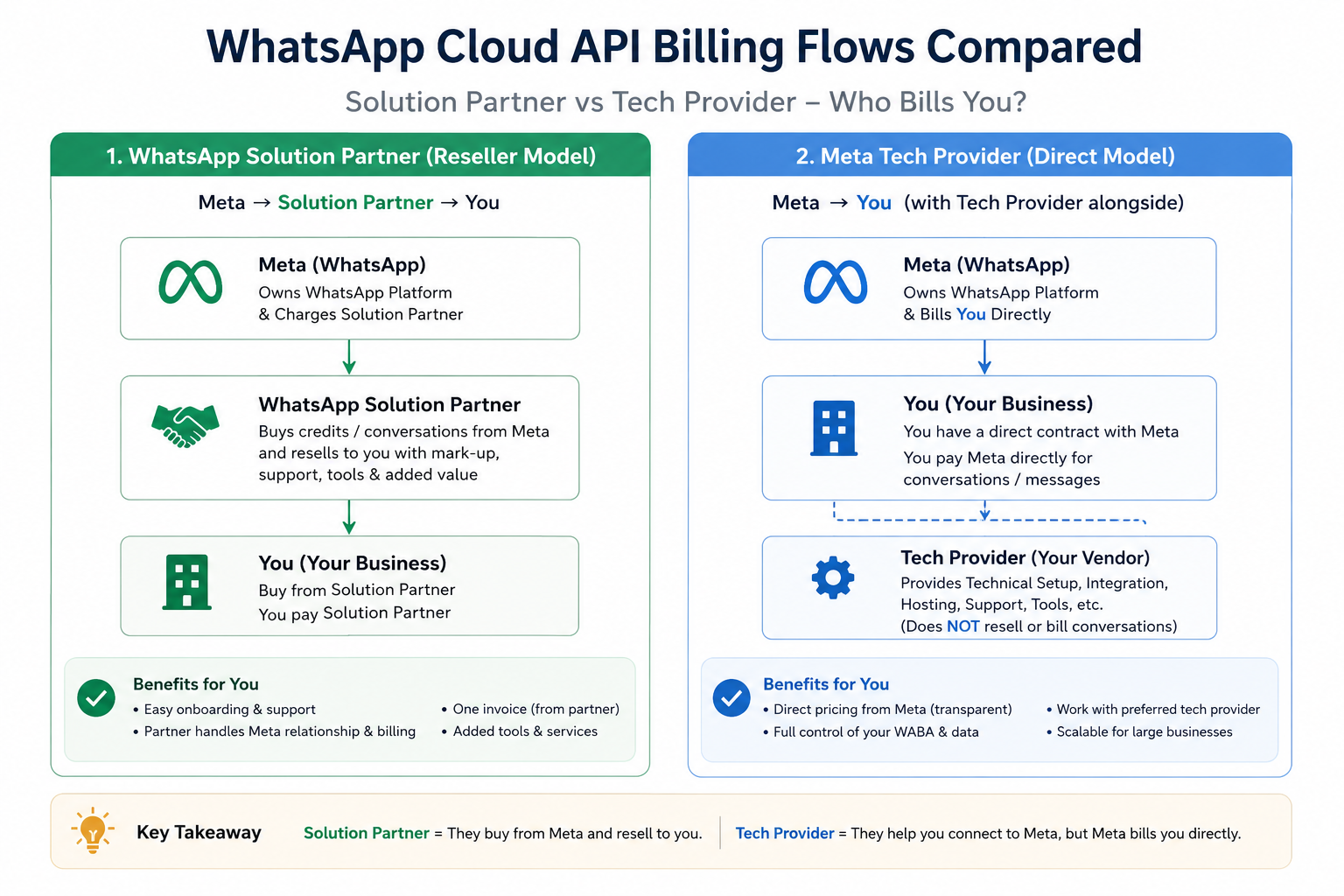
No. Setup is free and guided. WhatsApp conversation charges still go directly to your Meta Business Account at Meta's published rates. WhatsMark adds 0% markup.
Is Coexistence available for agencies managing multiple client numbers?
Yes. On the WhatsMark Reseller plan, each sub-tenant workspace can connect a client's existing Business App number via Coexistence independently. This means you can onboard clients without disrupting their live WhatsApp operations.
The Bottom Line
WhatsApp Coexistence removes the single biggest barrier to API adoption: the fear of losing what you already have. Your number stays the same. Your conversations stay intact. Your team keeps the app. And on top of all of that, you gain everything the WhatsApp Cloud API makes possible — automation, broadcasts, chatbots, team inbox, analytics, integrations.
For growing businesses that have been putting off the API switch, there is no longer a good reason to wait.
Try WhatsMark free — connect your existing WhatsApp Business App number in under 5 minutes. No credit card required.